


Rotating Gates

You will need:

1x WIRED Trigger: Repeat Effect 1x WIRED Effect: Move and Rotate Furni 1-5x One Way Gate

This guide will allow you to have rotating gates in your rooms. This is useful as an obstacle in mazes or even in certain events, such as Fridge Races.

Step 1: Setting the timer

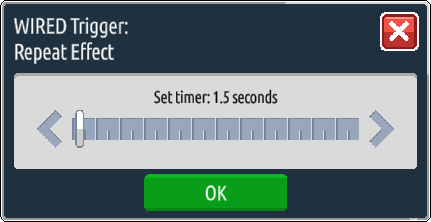
Firstly, you will need to double-click the WIRED Trigger: Repeat Effect to open it. Once opened, set the timer to how often you would like the gate to rotate and press OK.
Step 2: Setting up the rotation

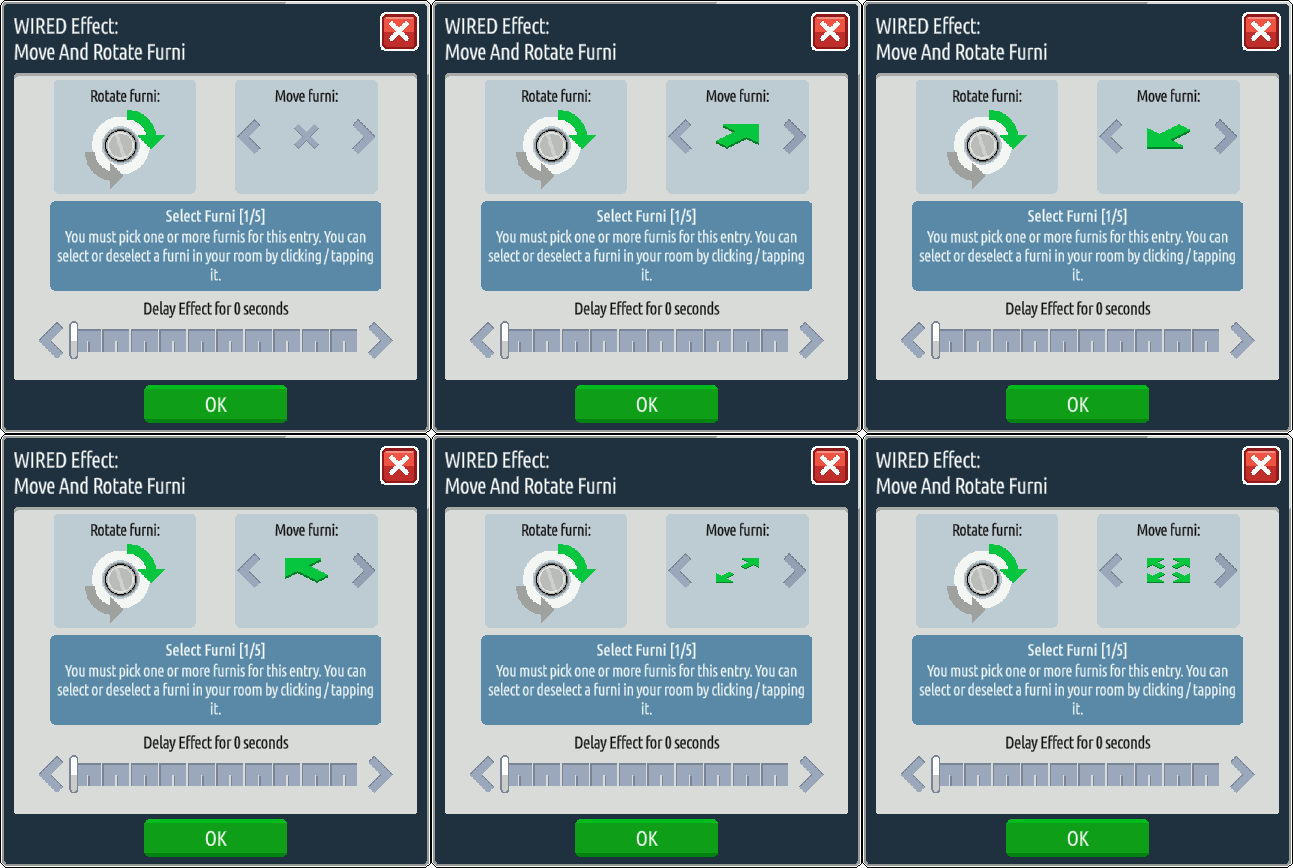
Open the WIRED Effect: Move and Rotate Furni by double-clicking it. Once opened, click your gate to select it, and choose the direction you want your gate to rotate in – the arrow in the rotation section will be green to indicate which direction movement will be. There are also movement options, but for the most part you won’t want your gates to also be moving.
Step 3: Stack it up!

Stack the wired and your gate should be rotating on its own!

Related guides
  • Events Timetable
  • Latest Wiki edits
    Wiki Page User
    November 2020
    Hottsardine
    White Parasol
    Hottsardine
    Tangerine Fountain
    Flyingpigs
    Pocket Change Trophy
    Flyingpigs
    HabboKingdom
    LunaVox
    Enchanted Winter Forest
    Hottsardine
  • Upcoming DJs
  • Staff of the Month
    _spirit
    _spirit
    Cam put work in all across the board during the month, from DJing, to updating the RVs/wiki, to building for the badge event!
    Wiski
    Wiski
    Wiski led the DJ team for the month of February, going live on air for a total of 5 hours!
  • Latest Badges
  • Latest forum posts
    Thread User
    Count to 2027 before 2027
    Triz
    Chuck Norris dies aged 86
    Triz
    hia. :)
    tbl
    What was the last thing you watched?
    tbl
    What's the last thing you ate or drank?
    tbl
  • Latest Comps
    Thread User
  • HabboxLive Radio
    Loading…
    0
    Message the DJ
    Submit