

You will need:
This guide will allow you mute potential advertisers and flooders in the entrance while you are in your room.
Step 1: Setting the keywords
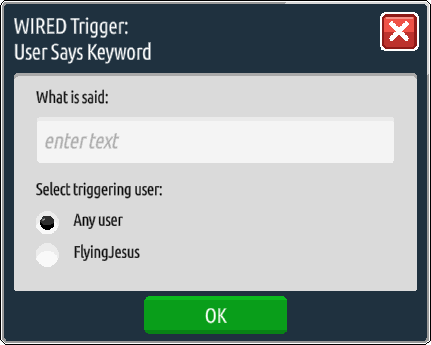
Double click each WIRED Trigger: User Says Keyword, insert a different vowel into the text box, and press OK’. You may use less than 5 letters if you do not have 5 WIRED Trigger: User Says Keywords to spare, or you may add more letters by stacking more of them on top of the original 5. As long as each box has only one letter, it should work! Vowels are best to use as near enough any spammed message will contain at least one, but feel free to change this as necessary.
Step 2: Wire the entrance area
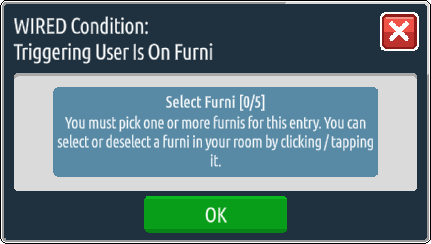
Take your WIRED Condition: Triggering User Is On Furni and set it to the chairs or flooring that the users are on when they first enter your room.
Step 3: Send them a message!
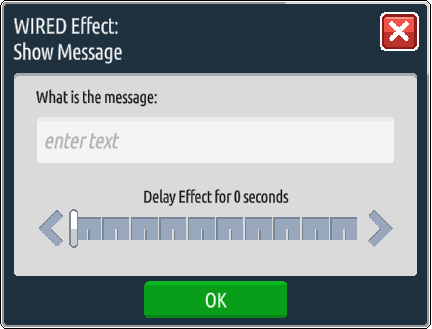
Take your WIRED Effect: Show Message and type in a message to let the users know that they cannot speak in the entrance. An example could be “Please step out of the entrance to talk!”